Removing a Device from "Find My"
Devices submitted to the IT office for repair will need to be removed from Find My. You may also want to remove devices from Find My when disposing or selling old Apple devices.
Make sure the device you want to remove is powered off.
Using an iPhone
- Ensure the device is turned off
- Go to the Find My app
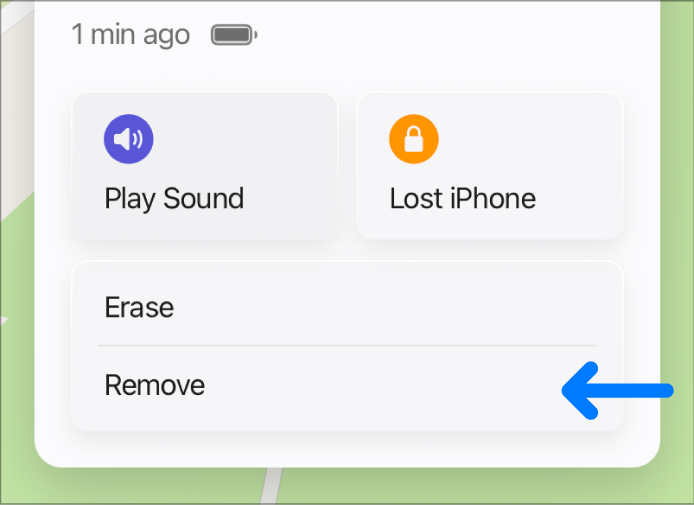
- Tap Devices > tap the desired device > tap the three dots
- Tap Remove
Using iCloud.com
- Ensure the device you want to remove is offline
- Go to icloud.com/find, and sign into your Apple Account
- In the list of devices select the device you want to remove
- Select Remove this Device
Other Methods
- You can also remove your device by signing out of your Apple Account on that device
Apple Documentation